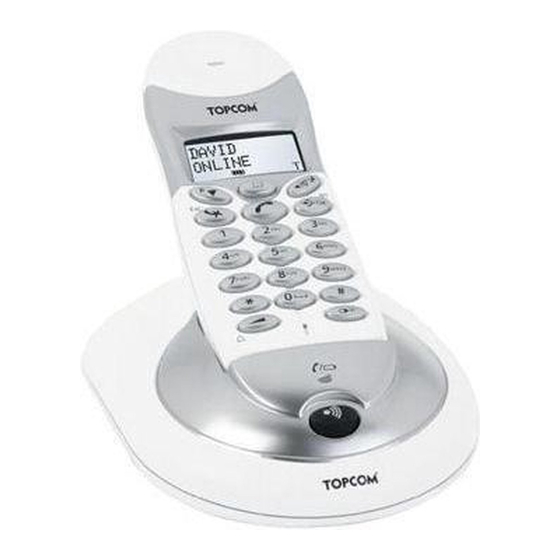
Topcom BUTLER 4012 USB VOIP Manual De Usuario

Manuales relacionados para Topcom BUTLER 4012 USB VOIP


Resumen de contenidos para Topcom BUTLER 4012 USB VOIP
- Página 1 BUTLER 4012 USB VOIP QUICK INSTALLATION GUIDE / INSTALLATIE GIDS / GUIDE D’INSTALLATION RAPIDE / SCHNELLE INSTALLATIONSANLEITUNG / MANUAL DE USUARIO / SNABBINSTALLATIONSGUIDE / HURTIG INSTALLATIONSGUIDE / HURTIGINSTALLASJON / PIKA-ASENNUSOHJEET / GUIDA ALL’INSTALLAZIONE / LEITOR DE BOLSO /...
- Página 2 This product is in compliance with the essential requirements and other relevant provisions of the R&TTE directive 1999/5/EC. The Declaration of conformity can be found on : http://www.topcom.net/support/cedeclarations.php UK The features described in this manual are published with reservation to modifications.
-
Página 11: Funcionamiento De La Interfaz Usb Del Pc
Topcom Butler 4012 USB VoIP Funcionamiento de la interfaz USB del PC Instalación del software Solo puede hacer o recibir llamadas por internet cuando tenga una conexión de internet y uno de los siguientes programas instalados: – Skype: se puede descargar en http//:www.skype.net/go/getskype –... - Página 12 Topcom Butler 4012 USB VoIP – Enchufe el enchufe USB del teléfono al PC después de haber arrancado su PC otra vez. – Windows instalará el driver del USB adecuado para el teléfono. – Seleccione la interfaz adecuada para Skype, MSN Messenger, SJ-phone o Net2Phone en el programa del software de Butler 4012 –...
- Página 25 Topcom Butler 4012 USB VoIP µ µ µ µ internet µ µ internet µ µµ – Skype: µ : http//:www.skype.net/go/getskype – MSN Messenger – SJ-Phone Net2Phone µ • PC µ µ Windows XP 2000 • µ µ 32 MB •...
- Página 26 Topcom Butler 4012 USB VoIP – µ USB µ – Windows – Skype, MSN Messenger, SJ-phone Net2Phone µµ Butler 4012 – µµ µ internet µ µ µµ µ R&TTE. Topcom Butler 4012 USB VoIP...