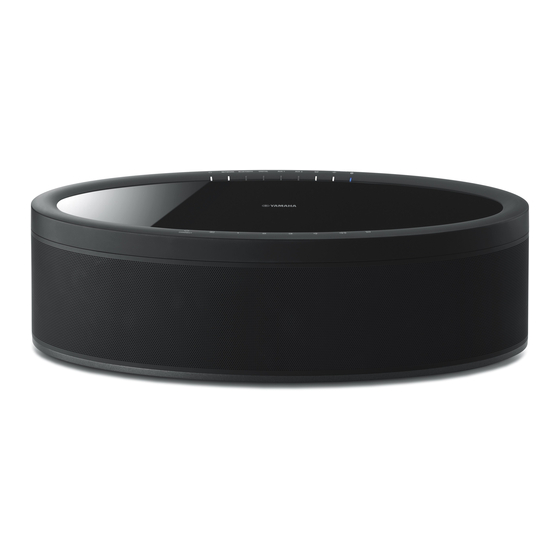
Yamaha MusicCast CX-A5200 Manual De Instrucciones
Ocultar thumbs
Ver también para MusicCast CX-A5200:
- Guía de inicio rápida (80 páginas) ,
- Manual de instrucciones (179 páginas)
Idiomas disponibles
Idiomas disponibles
Enlaces rápidos
MusicCast Surround Setup with AV Receivers
Using wireless surround speakers
(MusicCast Surround function)
Using devices that support the MusicCast Surround function, you can enjoy a 5.1.2-channel
or 5.1-channel theater system with wireless surround speakers and subwoofer.
■
Devices supporting MusicCast Surround
Wireless streaming speakers
MusicCast 50
MusicCast 20
■
Sample speaker layout
For a 5.1.2-channel system using two MusicCast 20 speakers and one MusicCast SUB 100.
E
1
9
4
As of October 31, 2018
Network subwoofer
MusicCast SUB 100
R
2
3
5
Note
• In a 5.1.2-channel or 5.1-channel system, the surround speakers and subwoofer can be wireless. With other
systems, only the subwoofer can be wireless.
• With wireless surround speakers
– Sound will not be output from the speaker terminals (SURROUND) and pre-out jacks (SURROUND) on the
main unit.
– Surround back speakers and rear presence speakers cannot be used.
• With a wireless subwoofer
– One subwoofer can be wireless.
– Sound will not be output from the pre-out jacks (SUBWOOFER or SUBWOOFER 1 and 2) on the main unit.
Therefore, another subwoofer cannot be used by connecting it with an audio cable.
• The following audio cannot be output from the wireless surround speakers and subwoofer.
– Signals with a sampling frequency of 352.8 kHz or 384kHz
– DSD audio
– DVD-Audio and Super Audio CD (SACD) from HDMI input
1
This unit and the devices supporting MusicCast Surround must be
registered with the same location on the MusicCast CONTROLLER app.
2
Follow the app's on-screen instructions to complete setup of the
MusicCast Surround function.
Tap the
settings icon.
For detailed setup instructions, refer to the following.
https://download.yamaha.com/files/tcm:39-1212383
3
Adjust the speaker settings automatically (YPAO).
Note
• For details on YPAO, refer to the manual for this unit.
• Multi measurement and angle/height measurement cannot be used.
4
Confirm and check your YPAO settings, manually adjust if necessary,
and then enjoy content playback.
English
Tap "MusicCast
Surround/Stereo".

Manuales relacionados para Yamaha MusicCast CX-A5200


Resumen de contenidos para Yamaha MusicCast CX-A5200
-
Página 6: Uso De Altavoces Surround Inalámbricos (Función Musiccast Surround)
Pulse “MusicCast Surround/Stereo”. Si desea instrucciones de configuración detalladas, las encontrará aquí: https://download.yamaha.com/files/tcm:39-1212383 Realice automáticamente los ajustes de altavoces (YPAO). Nota • Para más información sobre YPAO, consulte el manual de esta unidad. • No se puede utilizar la medición múltiple ni la medición de ángulo/altura. - Página 14 MusicCast Surround 2018 SUBWOOFER SUBWOOFER 1 352.8 kHz 384kHz HDMI DVD-Audio Super Audio CD (SACD) MusicCast Surround MusicCast CONTROLLER MusicCast 50 MusicCast 20 MusicCast SUB 100 ■ MusicCast Surround 5.1.2 MusicCast 20 MusicCast SUB 100 MusicCast Surround/Stereo https://download.yamaha.com/files/tcm:39-1212383 (YPAO) YPAO YPAO...