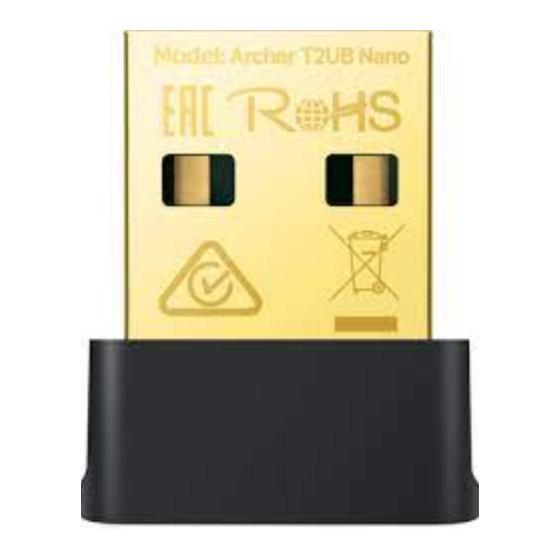
TP-Link Archer T2UB Nano V1 Guía De Instalación Rápida

Manuales relacionados para TP-Link Archer T2UB Nano V1


Resumen de contenidos para TP-Link Archer T2UB Nano V1
-
Página 2: Tabla De Contenido
CONTENTS 01 / Deutsch 13 / Português 03 / English 15 / Suomi 05 / Español 17 / Nederlands 07 / Ελληνικά 19 / Svenska 09 / Français 21 / Norsk 11 / Italiano 23 / Dansk... -
Página 7: Deshabilitar Bluetooth
• Se puede descargar controladores manualmente desde la a. Pulsar con botón derecho en Mi PC, seleccionar página de soporte del producto en www.tp-link.com. Administrar, ir a Administrador de dispositivos. c. Instalar los controladores Wi-Fi y Bluetooth. b. Expandir el nodo Bluetooth para encontrar el •... -
Página 8: Emparejar Con Dispositivos Bluetooth
P1. ¿Qué debo hacer si no puedo encontrar o • En Windows 7, si aparece un mensaje de seguridad de conectarme a mi red inalámbrica? Windows, consultar https://www.tp-link.com/faq-2760.html. A1. Consultar https://www.tp-link.com/faq-2253.html. 3 Emparejar con dispositivos Bluetooth P2. ¿Qué debo hacer si no aparece el icono de a. - Página 27 2014/53/UE, 2011/65/UE y EU Declaration of Conformity English (UE)2015/863. TP-Link hereby declares that the device is in La declaración original CE de la compliance with the essential requirements conformidad puede encontrarse en: and other relevant provisions of directives https://www.tp-link.com/en/support/ce/.
- Página 30 permitidos. • Betreiben Sie das Gerät nur an Orten, wo dies erlaubt ist. • Este producto solo puede ser alimentado • Dieses Produkt kann nur von por ordenadores que cumplan con la Fuente Computern betrieben werden mit der de energía Clase 2 (PS2) o Fuente de energía Stromquellenklasse 2 (PS2) oder einer LPS- limitada (LPS) de IEC 62368-1.
- Página 35 OTRA GARANTÍA, RECURSO Y CONDICIÓN. VERKAUFSLAND ABHÄNGIG SEIN KÖNNEN. TP-Link garantiza el producto de hardware que BIS ZU DEN GESETZLICHEN GRENZEN porta la marca TP-Link contenido en la caja ERSETZEN DIESE GARANTIE UND DIESE original contra defectos en los materiales y HILFESTELLUNGEN ANDERSARTIGE...