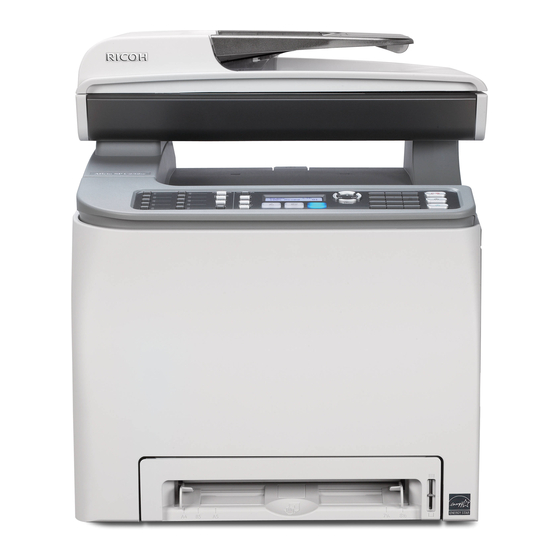
Ricoh Aficio SP C231SF Manual Del Usuario
Tabla de contenido
Idiomas disponibles
Idiomas disponibles
Enlaces rápidos
Information about a New Fax Feature
Thank you very much for choosing this product.
To prevent faxes being sent to unintended recipients, a fax number confirmation feature has been added.
This feature allows you to re-enter a fax number to confirm that it is correct before sending out a fax.
This manual explains how to enable this feature, and how to send a fax when this feature is enabled.
Enabling the fax number confirmation feature
To enable this feature, follow the procedure below (this feature is disabled by default).
Press the [User Tools] key on the machine's control panel.
1.
Press the [ ][ ] keys to select [Admin Settings], and then press the [OK] key.
2.
Press the [ ][ ] keys to select [Fax # confirmation], and then press the [OK] key.
3.
Press the [ ][ ] keys to select [On], and then press the [OK] key.
4.
Confirm the setting, and then press the [
5.
Press the [Clear/Stop] key to return to the initial screen.
6.
Note
•
The [Fax # confirmation] setting appears only when [Admin Menu Lock] is enabled. For details
about [Admin Menu Lock], see "Administrator Settings", User Guide
•
When this feature is enabled, you cannot send a fax by on-hook dialing.
Sending a fax to a confirmed fax number
When this feature is enabled, the machine will request that the fax number that was input with the
number keys be entered again, as a confirmation, before sending a fax.
Press the [Facsimile] key.
1.
Place the original on the exposure glass or in the ADF.
2.
If necessary, configure the advanced scan settings.
Enter the fax number (up to 40 characters) using the number keys.
3.
Press the [OK] key, [Start] key, or [B&W Start] key.
4.
The name of the start key depends on the model you are using.
When [Enter TEL # again] appears on the screen, re-enter the fax number using the
5.
number keys within 30 seconds.
To send the fax without adding any more destination, press the [Start] key or [B&W Start]
6.
key.
When using the exposure glass in Memory Transmission mode, you will be prompted to place
another original. In this case, proceed to the next step.
•
To broadcast the fax to multiple destinations, press the [OK] key instead of the [Start] key or
[B&W Start] key, and then repeat steps 3 to 6 to add more numbers.
] key.
.
1
Tabla de contenido

Manuales relacionados para Ricoh Aficio SP C231SF

Resumen de contenidos para Ricoh Aficio SP C231SF
-
Página 11: Información Sobre Una Nueva Función De Fax
Información sobre una nueva función de fax Muchas gracias por escoger este producto. Para evitar que los faxes se envíen a destinatarios no intencionados, se ha añadido la función de confirmación de número de fax. Esta función le permite volver a introducir el número de fax correcto antes de enviar un fax. -
Página 12: Habilitar La Función Mediante Web Image Monitor
Al utilizar el cristal de exposición en el modo Transmisión desde la memoria, se le pedirá que coloque otro original. En este caso, continúe en el paso siguiente. • Para enviar el fax a varios destinatarios, pulse la tecla [OK] en lugar de [Inicio] o [Inicio B&N] y, a continuación, repita los pasos del 3 al 6 para añadir más números.