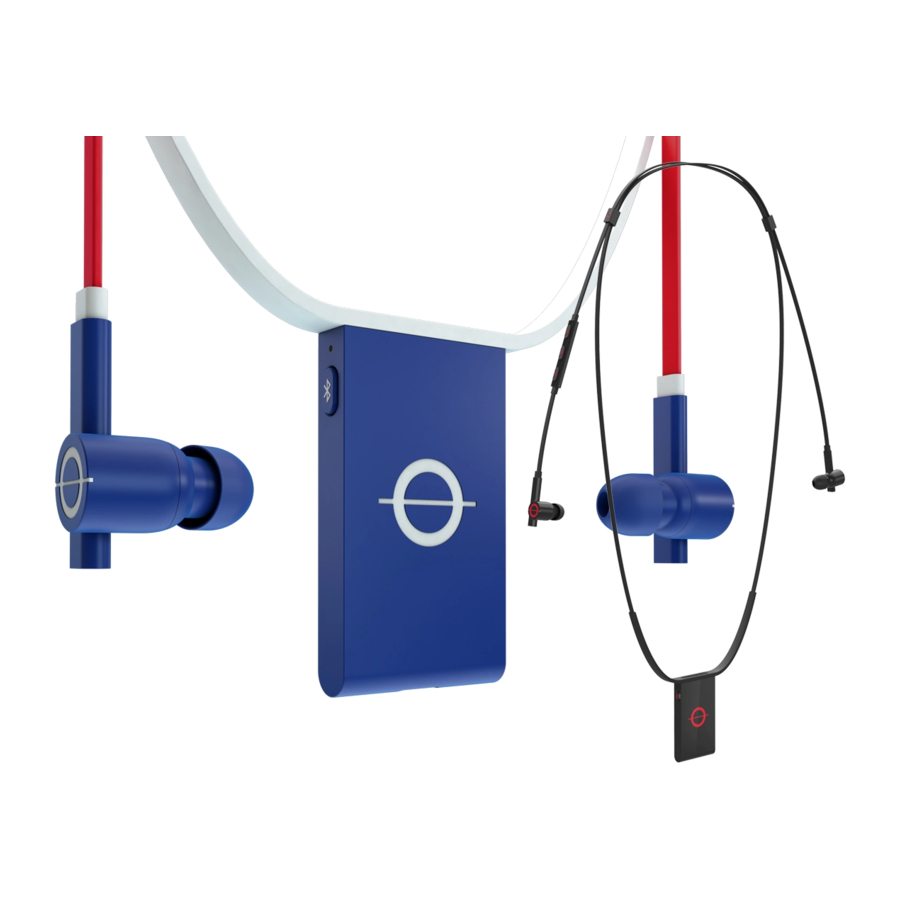
Roam Ropes Inicio Rápido Y Garantía

Resumen de contenidos para Roam Ropes
- Página 1 QUICK START GUIDE INICIO RÁPIDO Y GARANTÍA PRISE EN MAINS RAPIDE ET GARANTIE GARANTIA E PARTIDA RÁPIDA...
-
Página 2: Bluetooth Pairing
POWER BLUETOOTH PAIRING ENCENDER / ALIMENTATION / ATIVAÇÃO EMPAREJAMIENTO BLUETOOTH / COUPLAGE PAR BLUETOOTH / PAREAMENTO BLUETOOTH Press and hold power button for 3 seconds to power ON and OFF. Double press the Bluetooth button to enable wireless pairing. Pair with device when blue LED is fast blinking. Para APAGAR y ENCENDER presione y mantenga A slow blinking blue LED means Bluetooth is on but not presionado el botón de encendido durante 3 segundos. -
Página 3: Cable Management
Engine voltado para fora. Ajuste o tamanho do encaixe de orelha, se necessário. profundidade do EQ Engine em seu tronco. Gently pull on the cable sliders to shorten the ROPES ® cables and to lengthen the depth of the EQ Engine on your torso. - Página 4 CHARGING ROAM EQ ® CARGAR / CHARGE / CARREGAMENTO APP ROAM EQ® / APPLI ROAM EQ® / APP ROAM EQ® Insert micro USB cable into EQ Engine. 15 minute charge Download the ROAM EQ app to your mobile device. ®...
- Página 5 USB cable to the EQ Engine ® VERDE Uso normal and your computer or tablet. YELLOW (SOLID) Fully Charged Conecte el cable USB suministrado por ROAM ® al EQ AMARILLO (SÓLIDO) Completamente Cargado Engine y a su computadora o tableta. JAUNE (SOLIDE) Completement Chargé...
- Página 6 ENGLISH ESPAÑOL FRANÇAIS PORTUGUÊS IMPORTANT SAFETY INFORMATION & WARRANTY INFORMACIÓN DE SEGURIDAD IMPORTANTE Y GARANTÍA LIMITADA INFORMATIONS RELATIVES À LA SÉCURITÉ ET GARANTIE LIMITÉE INFORMAÇÕES IMPORTANTES DE SEGURANÇA E GARANTIA LIMITADA...
-
Página 9: Información De Seguridad Importante
RESULTAR DEL USO DE LOS AUDÍFONOS O AURICULARES. ROAM, INC. NO TENDRÁ hasta llegar a un nivel de sonido cómodo. Los niveles de sonido se miden en decibeles RESPONSABILIDAD ALGUNA POR DICHAS LESIONES O CONDICIONES MÉDICAS. -
Página 10: Declaración De Exposición A La Radiación De La Fcc
Este dispositivo cumple la exención de la evaluación rutinaria de límites de la sección afectados por esta garantía limitada. Esta garantía no puede transferirse o reasignarse. 2.5 de RSS 201 y cumple con la exposición RF RSS-102. Si desea servicio por garantía, por favor contacte a ROAM ® usando la información DECLARACIÓN DE CUMPLIMIENTO...