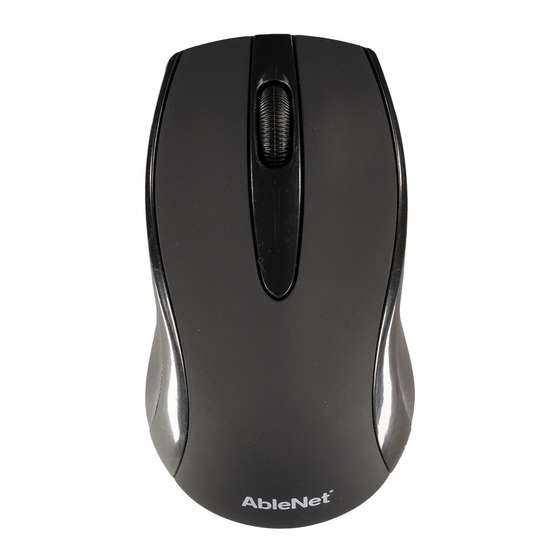
AbleNet Duo Guia De Inicio Rapido
Idiomas disponibles
Idiomas disponibles
QUICK START GUIDE
Duo™
wireless computer mouse
WARRANTY
AbleNet manufactured products include a 2-year limited
warranty. This warranty is against defects in materials and
manufacturing for 2-years from the date of purchase. Full
warranty details available at www.ablenetinc.com.
AbleNet, Inc.
2625 Patton Road
Roseville, MN 55113
United States of America
(651) 294-3101
ablecare@ablenetinc.com
www.ablenetinc.com
Made with recycled content
EN June 18, 2021 1:46 PM
Product
1
Registration
Registering your product provides you
access to ableCARE, product updates,
and resources for your product. Scan the
QR code below to register your product.
Getting
2
Started
Scan the QR code below to watch a
short getting started video or follow the
instructions listed.
To get started - Bluetooth:
1.
Insert two alkaline AAA batteries into
Duo wireless mouse.
2.
Remove the USB wireless receiver
from the bottom of the Duo wireless
mouse. The USB wireless receiver
is not used with a Bluetooth
connection, but would be used if a
device does not have Bluetooth.
3.
Open Bluetooth settings on device
you are pairing mouse to.
4.
Move Duo wireless mouse mode
switch towards the Bluetooth icon to
turn on Bluetooth mode.
5.
Activate Bluetooth pairing button on
Duo wireless mouse for 5-seconds
and then release.
6.
On your device, select ANDUO from
the list of Bluetooth devices available.
7.
Your mouse is ready to use.
This device can do more! Full Instructions
for Use are available at
www.ablenetinc.com.
To get started - USB Wireless Receiver:
1.
Insert two alkaline AAA batteries into
Duo wireless mouse.
2.
Remove the USB wireless receiver
from the bottom of the Duo wireless
mouse and insert it into a USB A port
on your device.
3.
Move the mode switch towards the
USB receiver icon to turn on USB
wireless mode.
4.
Your mouse is now ready to use.
This device can do more! Full Instructions
for Use are available at
www.ablenetinc.com.
Scan the QR code below to download
the free ableCARE app to your phone or
tablet.
Tabla de contenido

Manuales relacionados para AbleNet Duo


Resumen de contenidos para AbleNet Duo
-
Página 7: Registro Del Producto
GARANTÍA ¡Este dispositivo puede hacer más! Las Bluetooth para activar el modo Bluetooth. Los productos fabricados por AbleNet incluyen una garantía instrucciones de uso completas están limitada de dos años. Esta garantía cubre defectos de Manténgalo para activar el botón de disponibles en www.ablenetinc.com. - Página 8 Descripción general del dispositivo Botón de clic derecho Botón de emparejar Compartimento para las pilas Bluetooth Receptor USB inalámbrico Interruptor de modo Botón de clic izquierdo...