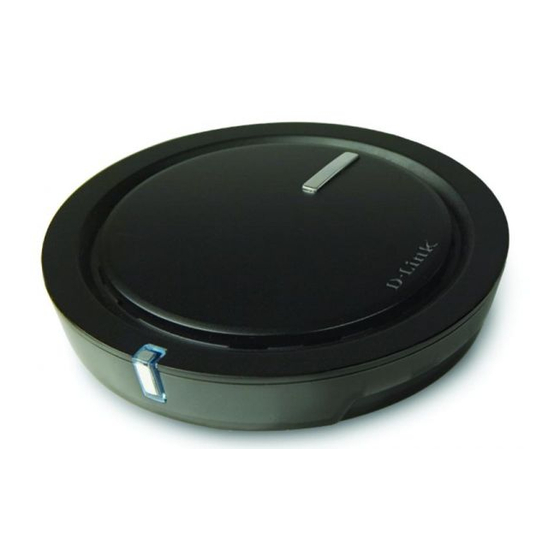
D-Link RANGEBOOSTER N Guía De Instalación Rápida
Adaptador inalámbrico para usb 2.0
Tabla de contenido
Idiomas disponibles
Idiomas disponibles
Enlaces rápidos
Package Contents
If any of the items are missing, please contact your reseller.
Quick Installation
Warning: Do NOT install the Adapter into your computer before installing the driver
software from the D-Link CD.
1
Remove the D-Link CD-ROM.
D-Link UK & Ireland Technical Support over the Telephone:
Lines Open: 8.00am-10.00pm Mon-Fri; 10.00am-7.00pm Sat & Sun
D-Link UK & Ireland Technical Support over the Internet:
Quick Installation Guide
RANGEBOOSTER N
DWA-42
RANGEBOOSTER N
USB 2.0 Adapter
2
A. Insert D-Link CD-ROM into
Technical Support
08456 12 0003 (United Kingdom)
+1890 886 899 (Ireland)
http://www.dlink.co.uk
DWA-142
TM
USB 2.0 ADAPTER
TM
your computer.
ftp://ftp.dlink.co.uk
CD-ROM
(Installation CD, Manual
and Warranty)
B. Click " Install Driver"
Tabla de contenido

Manuales relacionados para D-Link RANGEBOOSTER N


Resumen de contenidos para D-Link RANGEBOOSTER N
- Página 2 Important Information Important information regarding your internet subscription Users who subscribe to limited or "pay as you use" broadband internet access. In the WAN configuration settings, there is a parameter called Maximum idle timer. This parameter controls how many seconds of inactivity before dropping connection to the internet. The default setting is "0" which disables this functionality and the internet will be connected all the time.
-
Página 6: Qué Contiene La Caja
Guía de instalación rápida Atención: NO instale el adaptador en su ordenador sin antes haber instalado el software con el controlador que se encuentra en el CD-ROM de D-Link. A. Introduzca el CD D-Link en el B. Haga clic en “ Install Driver”...