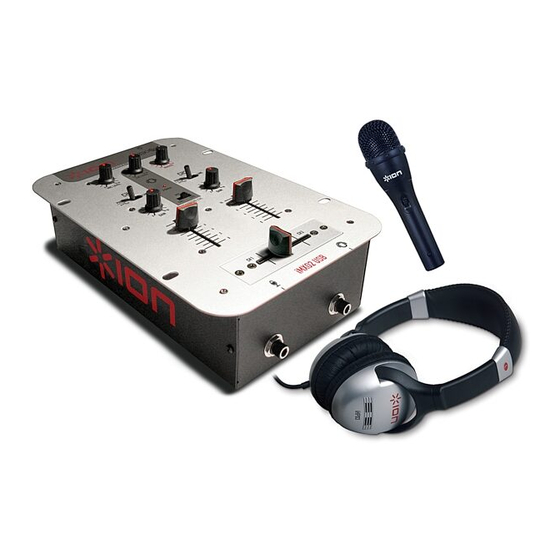
ION iCJ01 Manual Del Propietario De Inicio Rápido
Tabla de contenido
Idiomas disponibles
Idiomas disponibles
Enlaces rápidos
Desktop DJ (iCJ01)
Computer DJ Station
Quick Start Owner's Manual
•
Manual de inicio rápido del usuario (ESPAÑOL)
•
Guide d'utilisation simplifié (FRANÇAIS)
•
Schnellbedienungsanleitung (DEUTSCH)
•
Manuale Rapido di Utilizzazione (ITALIANO)
1
MIXER QUICK SETUP GUIDE (ENGLISH)
1. Make sure all items listed on the front of this guide are included in
the box.
2. READ SAFETY INSTRUCTION BOOKLET BEFORE USING THE
PRODUCT
3. Study this setup diagram.
4. Place mixer in an appropriate position for operation.
5. Make sure all devices are turned off and all faders are at "zero"
6. Connect all stereo input sources as indicated in the diagram.
7. Connect the stereo outputs to the power amplifier(s), tape decks,
and/or audio sources.
8. Plug your mixer and other devices into AC power.
9. Switch everything on in the following order.
•
audio input sources (i.e. turntables or CD players)
•
your mixer
•
last, any amplifiers
10. When turning off, always reverse this operation by,
•
turning off amplifiers
•
your mixer
•
last, any input devices
11. Go to
http://www.ion-audio.com
for product registration.
2
Tabla de contenido

Manuales relacionados para ION iCJ01


Resumen de contenidos para ION iCJ01
-
Página 3: Características Del Panel Frontal
Estudie este diagrama de instalación. Coloque el mezclador en una posición adecuada para su funcionamiento. entrada de audio USB. Cuando use el iCJ01 con su computadora, el Asegúrese que todos los dispositivos estén apagados y que todos los faders conmutador debe estar a la derecha, seleccionando las entradas de estén en la posición «cero». -
Página 4: Características Del Panel Trasero
CARACTERÍSTICAS DEL PANEL TRASERO Salida maestra (RCA): Esta salida es para conectar un dispositivo de monitorización externo como, por ejemplo un sistema de amplificadores de potencia, monitores alimentados o un estéreo hogareño. El nivel de esta señal de salida está controlado por la perilla de volumen maestro.