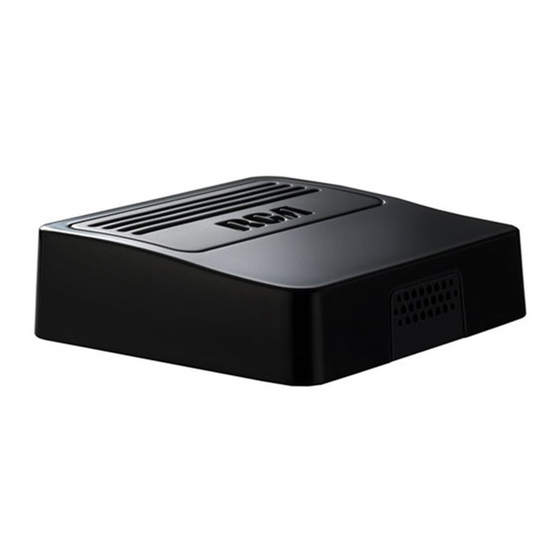
RCA DSB772WE Guía De Inicio Rápida
Idiomas disponibles
Idiomas disponibles
Enlaces rápidos
Quick Start Guide
Wi-Fi Streaming Media Player
with 1080p HDMI output
Step 1
A. Using an HDMI cable
(for best connection)
HDMI cable
(not included)
A/V cable
(not included)
B. Using an A/V cable
Ensure that your TV is switched to correct input.
EN - 1
Step 2
DSB772WE
www.RCAav.com
To
DC IN 5V Jack
Step 3
Take out the plastic sheet.
OR
Step 5
On-screen instructions
Player will display a basic setup
screen which will guide you
though initial setup.
To AC
Outlet
AC Power Adapter
Step 4
Turning on the Unit
POWER button on the
Press the
remote control if Player is not currently
on. Player emits green "glow" when
on.
EN - 2
Connecting to your wireless access
Step 6
point or router
Wireless access point
Go to "Settings --> Network"
menu to configure your Player
for network access.
Ensure that your Player
is within range of your
Wi-Fi network and that
your Wi-Fi network is fully
functional.
Settings & Entertainment
The main menu contains Settings & Entertainment options. Press ,
, ,
to highlight an option, press OK/ENTER to confirm your selection,
press
to return to previous menu.
Entertainment Screen
Settings Screen
EN - 3
Unit
Printed in China
810-772295W010 R

Manuales relacionados para RCA DSB772WE


Resumen de contenidos para RCA DSB772WE
- Página 2 Conexión a su punto de acceso Guía de Inicio Rápido Paso 2 Paso 6 inalámbrico o a su enrutador DSB772WE Reproductor de medios de flujo www.RCAav.com Al enchufe continuo de la red Wi-Fi de CA Punto de con salida HDMI de 1080p...