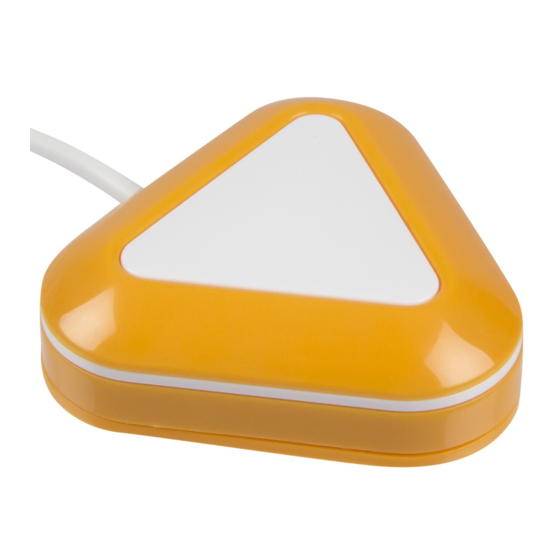
AbleNet LITTLE Candy Corn Guia De Inicio Rapido
Idiomas disponibles
Idiomas disponibles
Enlaces rápidos
Quickstart Guide:
LITTLE Candy Corn™
www.ablenetinc.com
Hold top and turn
base clockwise
Insert screws into
holes and tighten
Turn top counter-
clockwise to
hide screws
Activation indicator
Activation Area
light (yellow)
Top
Base Cover
Screw Hole
Battery low
light (red)
Magnetic Area
ENGLISH
Turn on or turn o
Hold and turn
base clockwise
Insert end of paperclip
into hole and press down
to release internal tab.
Continue to turn clockwise.
Remove base
Insert 3.5 mm switch
jack into device
Turn power on
Hold hand or other part
of body within 10 mm of
the activation area to
activate your device
Remove old battery and
replace with new CR2032
battery
Align arrow on base with
arrow on inside of switch.
Push and turn base
clockwise.
Magnetic area
Stick onto any
magnetic surface
PN 980-00003 - Rev. D (02/2020)
Match the direction of
the top and the base
Turn the base
counter clock-wise
to secure

Manuales relacionados para AbleNet LITTLE Candy Corn


Resumen de contenidos para AbleNet LITTLE Candy Corn
- Página 2 Guía de inicio rápido: LITTLE Candy Corn Luz del indicador de Área magnética Área de activación activación (amarilla) Cobertura Inserte el conector para Parte superior de la base conmutador de 3.5 mm en el dispositivo Ori cio para tornillo Encienda la Luz de batería...