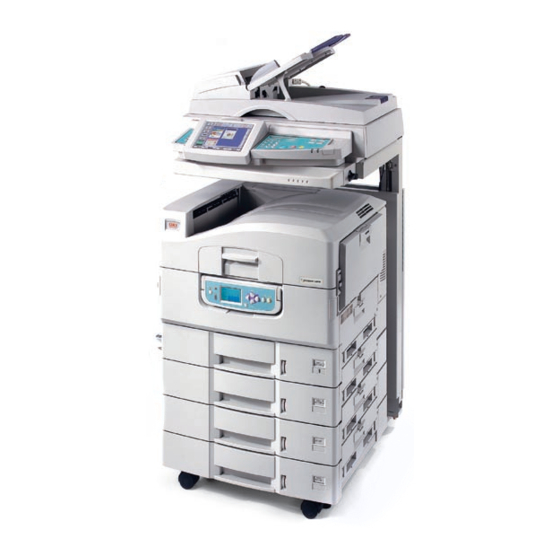
Oki CX3641MFP Manual Del Usuario
Ocultar thumbs
Ver también para CX3641MFP:
- Guía del usuario básica (50 páginas) ,
- Guía de referencia rápida (207 páginas)
Tabla de contenido
Idiomas disponibles
Idiomas disponibles
Enlaces rápidos
CX3641MFP
English . . . 1
Fax Board Installation ___________________
Install the Fax Board in the Unit
Note
The fax board requires firmware server version
1.1 or higher. See "Version:" under Server Info
in the CX3641 MFP Configuration printout.
Components
1 Fax Board
2 Screws (3)
3 Telephone cord
1. Press and hold the
SHUTDOWN/RESTART button
on the printer control panel,
and wait for the shutdown
process to complete.
2. Turn off the scanner (on/off switch is on the
back right), then turn off the printer.
3. If the optional finisher is installed, open the
release latch and pull it away from the printer.
1
Français . . . 4
4 Ferrite Core
5 FCC Label
Español . . . 7
4. Remove the two thumbscrews from the bumper
brackets holding the printer unit to the stand,
and gently pull the printer out to gain access to
the back panel.
5. Loosen the two thumb screws (1) and open the
access door.
6. Insert the fax board into the printer on the
lower right side.
1
Português . . . 10
Tabla de contenido

Manuales relacionados para Oki CX3641MFP


Resumen de contenidos para Oki CX3641MFP
-
Página 7: Componentes
CX3641MFP Instalación de la tarjeta fax _______________ Cómo instalar la tarjeta fax en 4. Saque los dos tornillos de apriete manual de los soportes tope que sujetan la impresora al la unidad pedestal y mueva la impresora hacia afuera para lograr acceso al panel posterior. -
Página 8: Envío De Faxes Desde La Unidad Misma
7. Asegure la tarjeta fax a la impresora utilizando 10. Cierre la puerta de los tres tornillos. acceso y apriete los tornillos de apriete manua. ¡Importante! El núcleo de ferrita es una exigencia de la FCC. Para reducir la interferencia electromagnética (el "ruido"... -
Página 9: Envío De Faxes Desde Su Computadora
2. Haga clic en Pick a Product (Seleccionar un 2. Haga clic en File (Archivo) → Print (Imprimir) producto). y seleccione el controlador CX3641 MFP(FAX). 3. Seleccione CX3641MFP de la lista de 3. Haga clic en Properties (Propiedades) para Multifunctional Products (Productos hacer los cambios que considere necesarios.